![dg logo white mark only.png]](https://help.docugami.com/hs-fs/hubfs/dg%20logo%20white%20mark%20only.png?height=40&name=dg%20logo%20white%20mark%20only.png)
Signing into Docugami is easy – just use your work email account!
Go to https://app.docugami.com and select your Google or Microsoft authentication, whichever business suite your work email is based on.
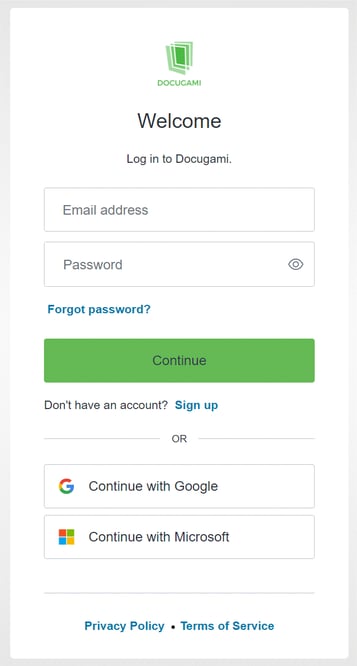
You can also create an account with a username and password, if you prefer.
If this is your first time logging in, Docugami will prompt you to name your workspace. A workspace is a business or group's shared files and projects.
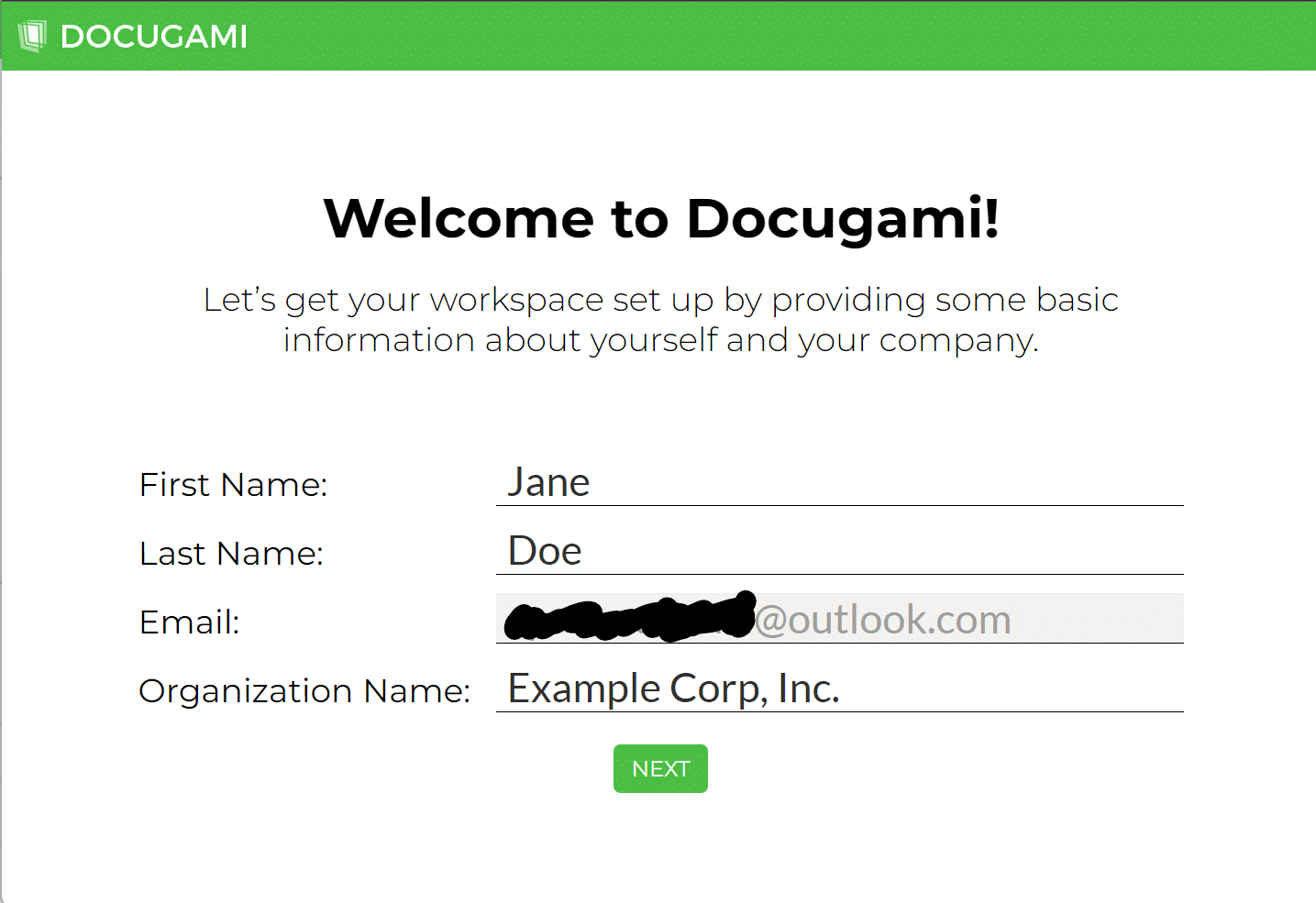
Docugami will create your workspace and send you an email when it is ready.